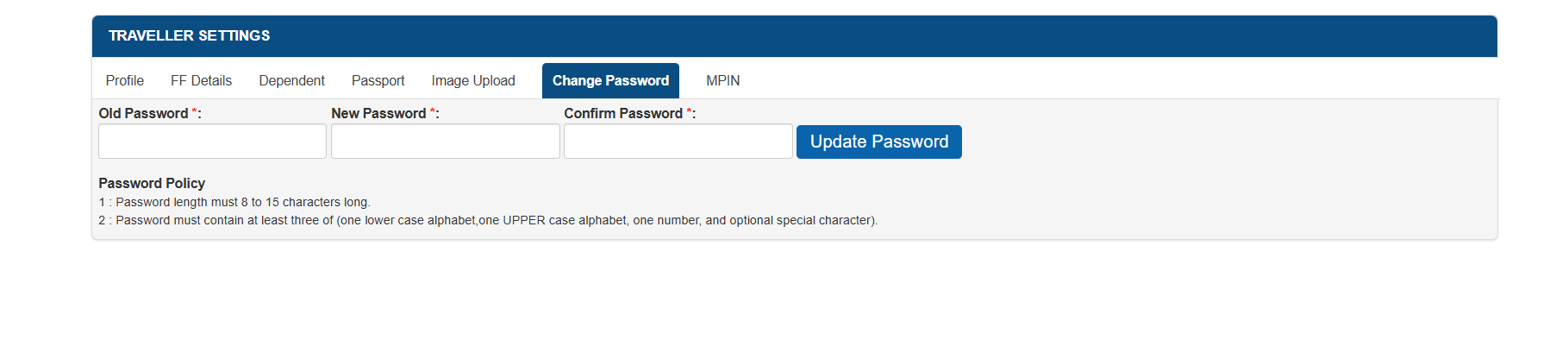
MSME Portal | Change Password
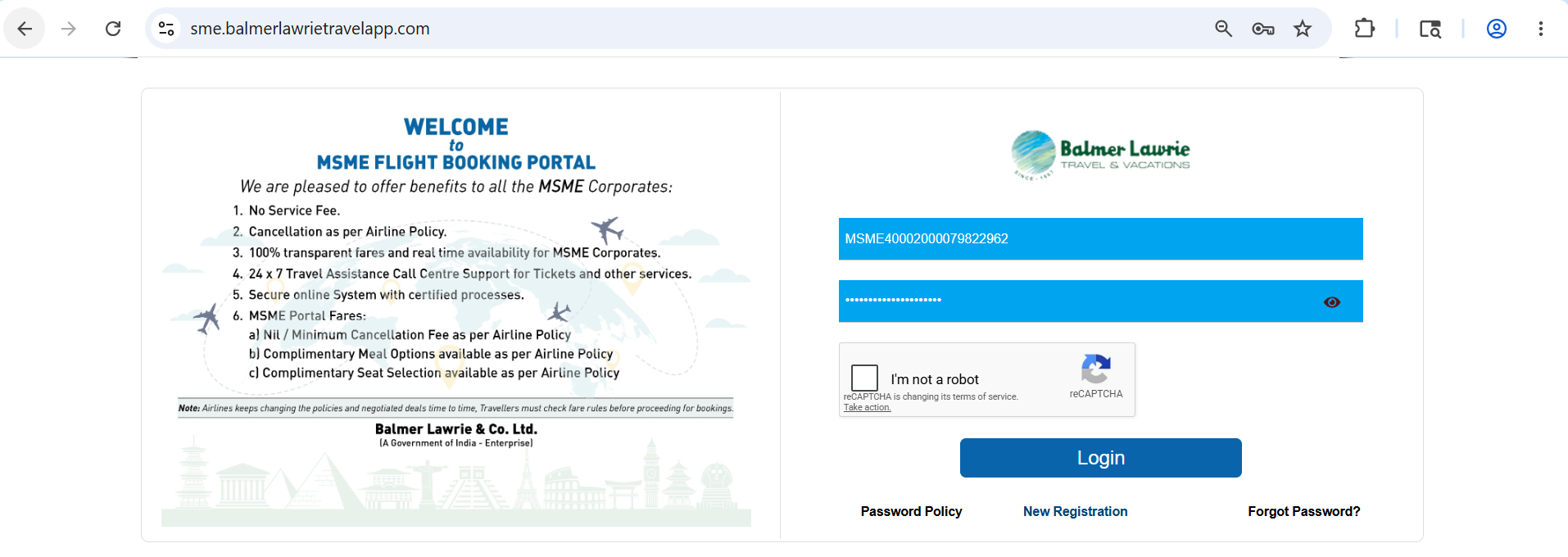
Step 1 - Login to your MSME portal
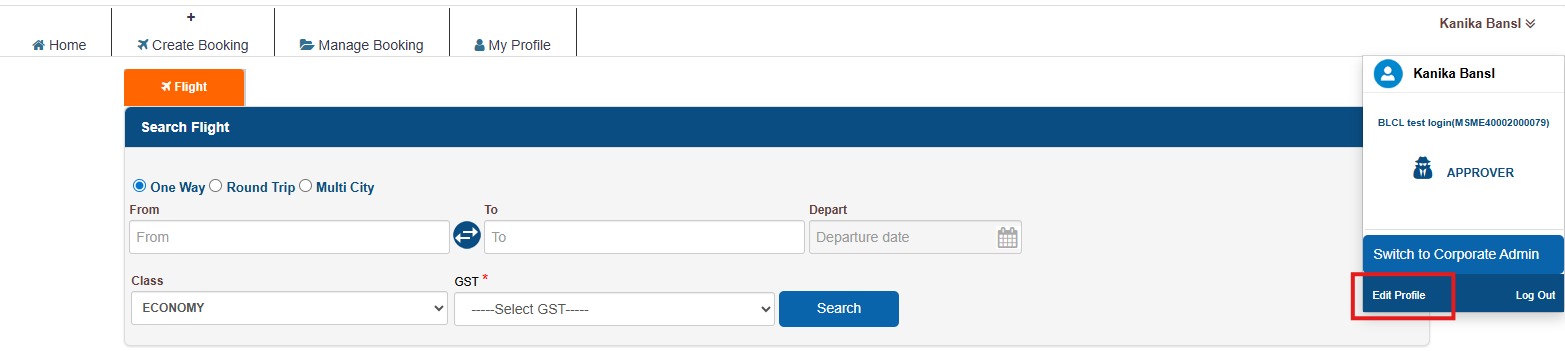
Step 2 - Click on profile and then edit profile
Step 3 - Click on change password, fill in old password, new password and confirm the new password and then click on Update password.